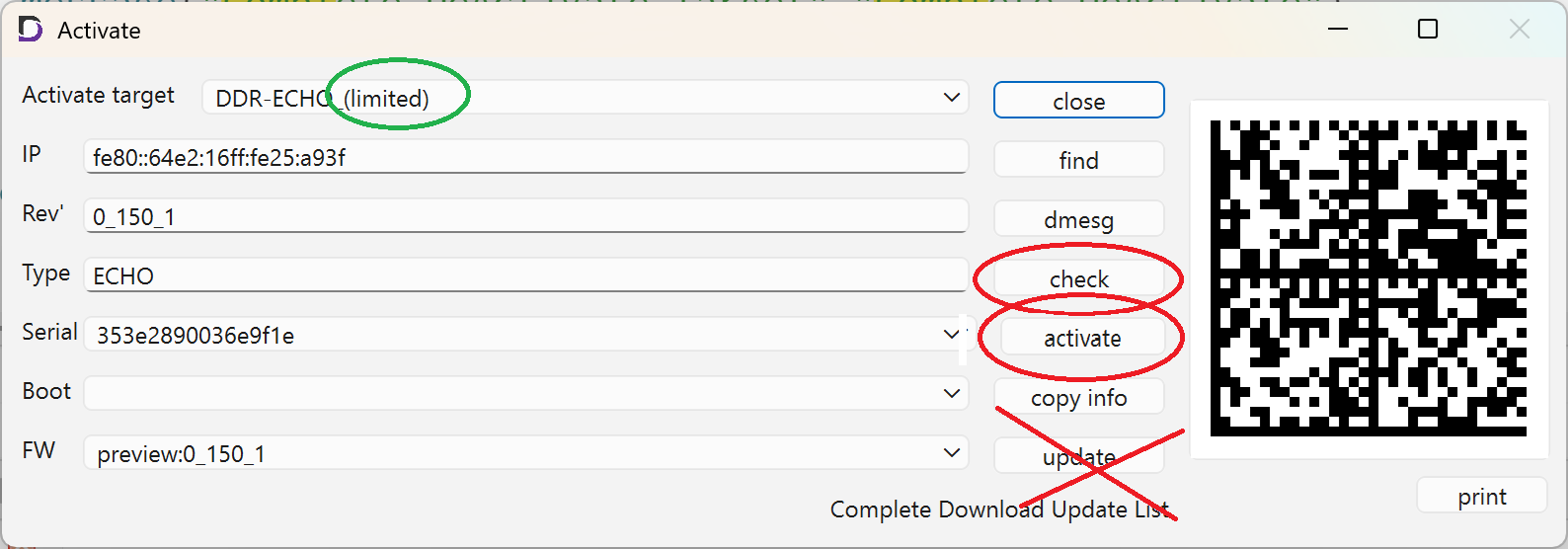
Assume that the Limited Edition is installed on the SD card.
Please connect both the eMMC and the SD card.
If the device is in the “Activate” state, please overwrite the SD card with a new “limited” version.
If the device remains in the “Activate” state (and does not display ‘limited’), please press “deactivate.”
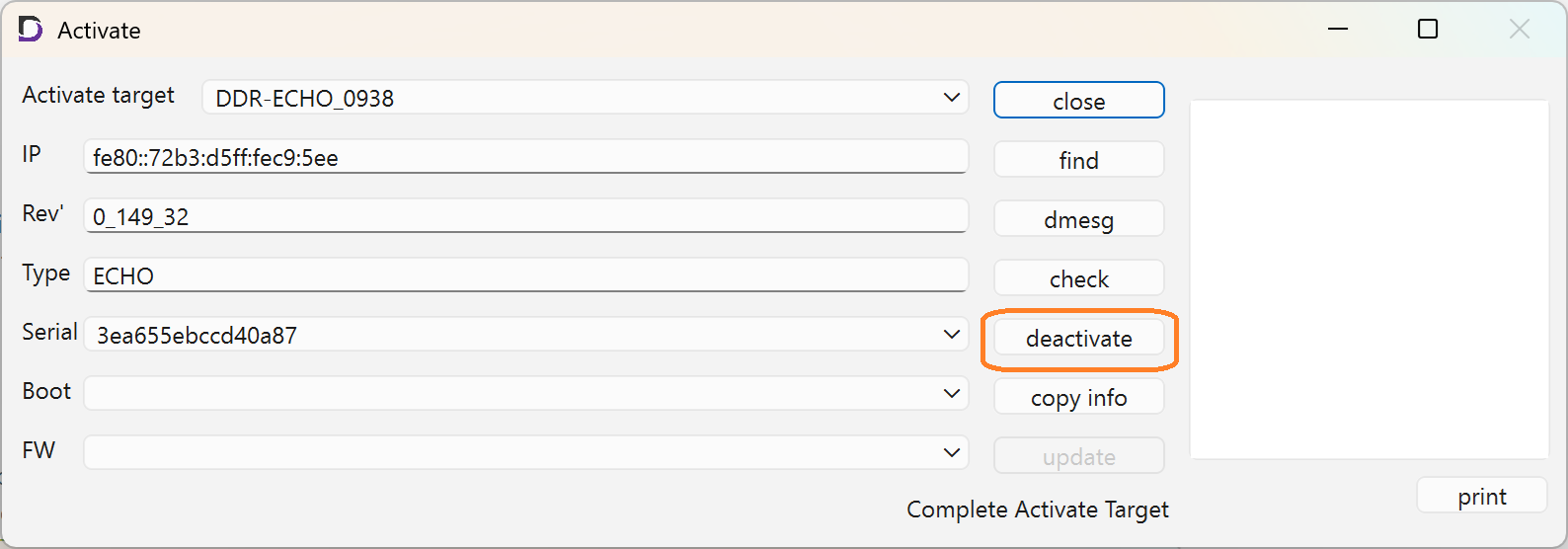
If you are installing to the eMMC, press “update” after “check.”
If you accidentally press ‘activate’ at this point, go back to the beginning and press “deactivate” to reset the system.
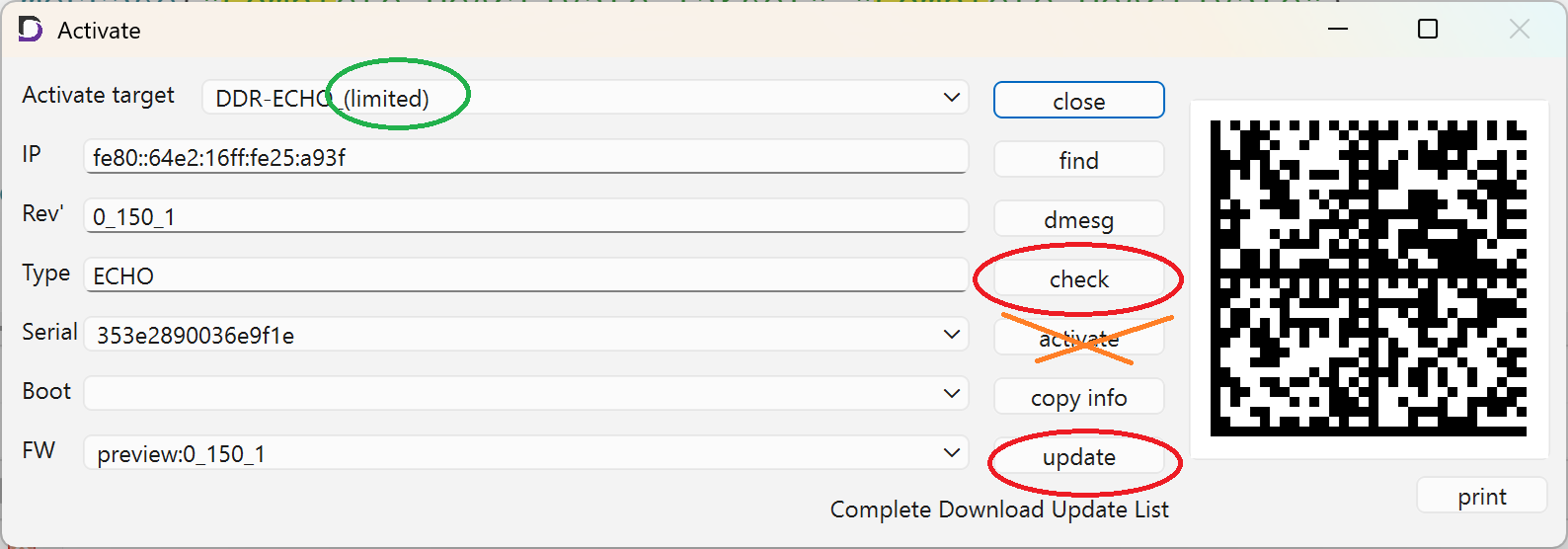
After restarting, remove the SD card, unplug and then plug the power cord back in, and restart the device.
In this state, a limited version will be written to the eMMC.
After clicking “check,” click “activate” to complete the activation.